How to Choose a Webflow Agency in 2026 (What to Look For Before You Sign)
Picking a Webflow agency is harder than it looks. You're not just paying for a website. You're paying for someone to understand your business, build on a platform that scales, and actually maintain the thing once it's live.
I've seen businesses waste £5,000–£20,000 on Webflow agencies that delivered bloated sites, couldn't train them on editing content, or ghosted after launch. And I've seen brilliant builds from smaller teams that nailed the brief and were available for questions afterward.
The difference isn't always obvious in a portfolio. So here's how to spot a solid Webflow agency before you sign.
1. Look at Actual Webflow Sites They've Built
Portfolios matter. But specificity matters more.
A good Webflow agency will show you:
- 3–5 completed Webflow projects (not Figma mockups, not WP sites)
- Live sites you can audit (no NDAs hiding everything)
- Different project types (branding sites, portfolios, e-commerce, etc.)
- Who did what — did they design AND build? Or just build from a designer's brief?
What to look for in their work:
- Does the site feel responsive? (Check on mobile, tablet, desktop.)
- Is the CMS structured logically, or is it a mess?
- Does the design match their capability, or are they claiming credit for the designer's work?
- Are there 5-year-old case studies with no new work? That's a yellow flag.
Red flag: Portfolio sites that are broken, slow, or obviously not Webflow. ("We've built 50+ Webflow sites" but you can only find 3.)
2. Understand Their Process and Handover
A Webflow agency should explain what happens after launch. Will you be able to edit content? Do they provide training? How much does ongoing support cost?
I've known teams who delivered brilliant Webflow builds but left clients unable to make basic edits. That's not the platform's fault — it's the agency's lack of process.
What to ask:
- "Walk me through your project timeline and what I'll receive at each stage."
- "Will you train me to edit content in the CMS? How?"
- "What happens if I find a bug after launch? Do you offer retainer support?"
- "How much do content changes cost after the project?"
Red flag: Vague answers. "We'll figure it out as we go." No mention of training or support. A contract that's all legal text and no clarity.
3. Assess Their Communication and Availability
You'll be working with this person (or team) for 8–12 weeks. Bad communication compounds. Good communication smooths everything.
A solid Webflow agency will:
- Respond to messages in 24 hours or set expectations upfront
- Share work-in-progress regularly so you're not shocked at the end
- Push back on bad ideas instead of nodding along
- Be based somewhere sensible for your timezone (or explicit about time zone gaps)
This matters more if you're UK-based. An agency in Liverpool, Manchester, or London can do quick video calls or even in-person. An agency 6 time zones away? You'll feel it.
Red flag: Slow responses. No updates until the end. They get defensive when you ask questions.
4. Ask About Their Tech Stack and Hosting
Webflow is Webflow, but agencies differ on hosting, security, email integration, and form handling.
What to ask:
- "Do you host on Webflow hosting or custom servers?" (Webflow hosting is simpler; custom is more complex and usually unnecessary.)
- "How do you handle forms? (Zapier, custom API, etc.)"
- "What's your approach to SEO? How much control do I have?"
- "Do you build custom code, or pure Webflow?" (Pure Webflow is cleaner for maintenance; custom code can cause problems if they leave.)
Red flag: They don't know. Or they use custom solutions for everything when Webflow's native tools would work.
5. Check References (Actually Contact Them)
Ask for 2–3 past clients and actually call them. Not email — call.
What to ask past clients:
- "Would you hire them again?"
- "Did they finish on time and budget?"
- "How easy is the site to maintain?"
- "How responsive were they to changes?"
This is the clearest signal. Past clients don't lie.
6. Pricing and Value
Webflow agency costs vary wildly: £3,000–£50,000+ depending on scope, complexity, and location.
A cheap build in Fiverr doesn't mean good value. Nor does an expensive build from a London mega-agency if you only need a 5-page branding site.
What to ask:
- "What's included in your price? Revisions? Hosting? Support?"
- "Do you offer fixed-price or hourly?"
- "If scope changes, how do you handle that?"
Red flag: No breakdown. Hidden costs after signing. They pressure you to sign before you understand what you're paying for.
Final Thought
The best Webflow agency for you isn't always the biggest or most award-winning. It's the one who understands your business, explains their process clearly, delivers work you can actually use, and is available when you need them.
Take 90 minutes to interview 3 agencies. Call a past client. Look at their live work. You'll know quickly if they're worth your time and money.
If you're looking for a Webflow agency that prioritises clarity, strategy, and long-term support, get in touch with Two Bears. We're a Liverpool-based web design studio working with growing businesses across the UK.
Frequently Asked Questions
How much does a Webflow agency cost in the UK?
Most UK-based Webflow agencies charge between £3,000 and £20,000 for a standard business website, depending on the scope, number of pages, and level of custom design. Larger projects with e-commerce or complex CMS structures can run higher. Always ask for a detailed breakdown before committing.
How do I evaluate a Webflow agency before hiring them?
Look at their live portfolio (not just mockups), ask about their process and post-launch support, check their communication style during the sales process, and speak directly to 2–3 past clients. The sales process itself is often the best indicator of what working with them will be like.
What's the difference between a Webflow agency and a freelance Webflow designer?
A freelancer typically handles design and build as one person, which can mean lower costs and faster communication. An agency usually offers a broader team covering strategy, design, development, and ongoing support. For small business websites, a senior freelancer or small studio often delivers the best value.
Should I choose a local Webflow agency or work with one remotely?
Both can work well, but a local agency (or one in your timezone) makes communication easier, especially for strategy meetings and quick calls. If you're UK-based, working with a UK Webflow agency avoids timezone friction and cultural misalignment around how business websites should feel.
What should I ask a Webflow agency before signing a contract?
Key questions include: What's your project timeline? What training do I get? How do you handle post-launch edits and support? What's included in the price? How do you approach SEO? Can I speak to previous clients? A good agency will answer all of these clearly and without pressure.
How long does it take a Webflow agency to build a website?
A typical small business website takes 6–12 weeks from kick-off to launch. This includes strategy, design, build, content, testing, and revisions. Rushed timelines often lead to poor results, so be wary of agencies promising a full site in 2 weeks.
Your next stage of growth deserves more than quick fixes.
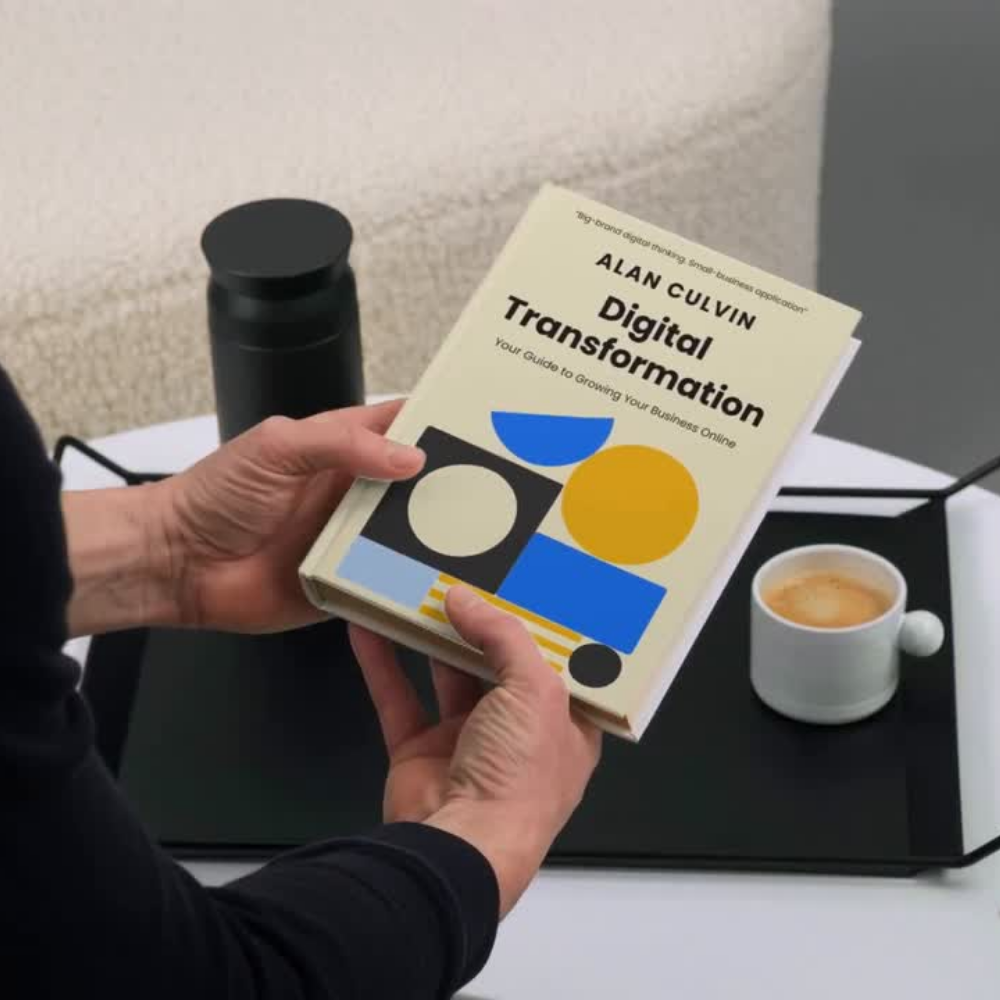
Oh yeah, i also wrote a book that tells you how to do it too... and it's free!
I’ve made this guide completely free for small business owners who want to modernise their website, systems, and digital tools without burning time or budget.
Inside, you’ll learn what really matters, what to ignore, and how to make confident digital decisions that support sustainable growth.
Trusted by businesses we’ve partnered with.

“Two Bears didn’t just redesign our website, they helped us rethink how the business works online. From authentication and trade pricing to UX, discounts, and automation, everything was approached with clarity and purpose. The end result is a platform we trust to support growth, not just look good.”
“Two Bears helped us turn our website into a proper lead-generation tool. The focus was on clarity, trust, and explaining our offer in a way customers actually understand. From structure and UX to content and SEO foundations, everything was approached strategically rather than just visually.”
A creative partner for long-term digital growth.